Video interviews are now the default first round almost everywhere — and they have their own rules that in-person prep doesn't teach you. The candidate who looks and sounds great on camera beats the more qualified candidate who's lit from below, looking at their own face, with echoey audio. The good news: a great video setup is cheap and learnable. Here's how to ace it.
Your setup matters more than you think
- Camera at eye level. Stack books under your laptop. A camera looking up your nose is unflattering and reads as low-status. Eye level reads as confident equals.
- Light in front of you, not behind. Face a window or a lamp. Backlight turns you into a silhouette. This is the single biggest fix.
- Audio beats video. Use earphones with a mic; laptop speakers create echo and you'll talk over the interviewer. Clear audio is non-negotiable.
- Clean, neutral background. A tidy wall beats a busy or virtual background that glitches around your head.
Where to look (the #1 mistake)
Everyone watches the interviewer's face on screen — which means you're looking below your camera, so to them you never make eye contact. The fix: look at the camera lens when you're speaking, especially on key points. Glance at their face to read reactions, then return to the lens. It feels unnatural and looks confident.
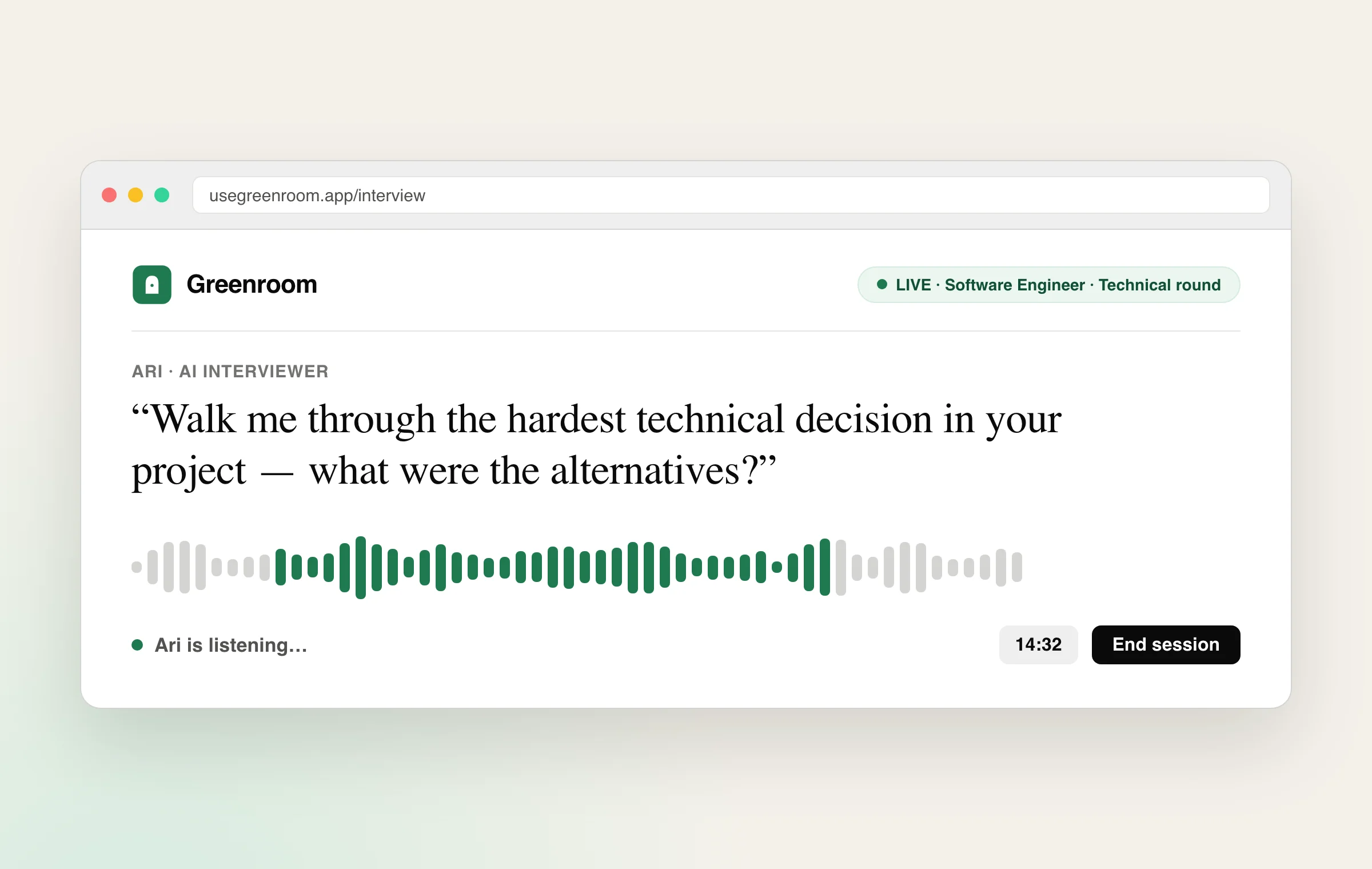
One-way (recorded) video interviews
Many companies now use asynchronous interviews where you record answers to prompts with a timer. Tips:
- Do the practice question to test audio, video and lighting first.
- Treat the lens like a person — warmth still matters with no human there.
- Use the prep time to jot a quick structure, then speak, don't read.
- You usually get one or two takes — don't over-record into something stiff; a natural first take often beats a polished fifth.
During a live video interview
- Pause a beat before answering — latency causes talk-over; a short pause prevents it.
- Keep energy 10% higher than feels natural — the camera flattens enthusiasm.
- Have water and notes just off-camera, but don't obviously read.
- Close the door, silence notifications, and warn housemates — one interruption breaks your flow.
How to practise
You can read every tip here and still freeze when the red light comes on. The fix is reps: do real spoken interviews on camera until talking to a lens feels normal and your answers come out clean. Greenroom runs voice-first mock interviews that get you comfortable speaking your answers out loud with feedback on pace and clarity. Pair it with our guides on telephonic interviews and interview anxiety.
Two things have changed about video rounds in 2026: see how to pass an AI interview and proxy interviews and the deepfake crackdown.
Frequently asked questions
How do I set up for a video interview?
Put your camera at eye level (stack books under your laptop), light your face from the front by facing a window or lamp rather than sitting backlit, use earphones with a mic for clear echo-free audio, and choose a clean neutral background. A good setup is cheap and often matters more than candidates expect.
Where should I look during a video interview?
Look at your camera lens when speaking, especially on key points, rather than at the interviewer's face on screen — looking at the screen makes you appear to never make eye contact. Glance at their face to read reactions, then return to the lens. It feels unnatural but reads as confident and engaged.
How do one-way recorded video interviews work?
In a one-way interview you record answers to prompts with a timer and usually one or two takes. Do the practice question first to check audio, lighting and video, treat the lens like a real person, use any prep time to jot a quick structure rather than a script, and don't over-record — a natural first take usually beats a stiff fifth one.
How can I practise for a video interview?
Reading tips isn't enough — practise doing real spoken interviews on camera until talking to a lens feels normal and your answers come out clean. A voice-first mock interview that has you speak your answers out loud and gives feedback on pace and clarity builds the comfort and delivery a video interview rewards.