Home › Compare › Greenroom vs ChatGPT
Greenroom vs ChatGPT for mock interviews: which actually prepares you?
ChatGPT can absolutely role-play an interviewer — millions of people use it that way. The honest question isn't "can it," it's "does typing answers to an agreeable chatbot prepare you for the spoken pressure of the real thing?" Here's where ChatGPT is great, and where a purpose-built voice tool like Greenroom does the job better.
The short version
ChatGPT is a general-purpose assistant. With the right prompt it'll happily act as a Google interviewer, a behavioral panel, or a system-design lead. It's free to start, infinitely patient, and great for generating questions and polishing written answers. What it isn't: an interview. By default it's text, it forgets context across long sessions, it doesn't know what you actually built, and — critically — it's tuned to be helpful and encouraging, which is the opposite of interview pressure.
Greenroom is built for one job. Before each session, Ari reads your GitHub repos and asks about the code you actually wrote — your architecture, your trade-offs, your edge cases — plus system design, behavioral and HR rounds. It's voice-first, so you rehearse the real skill: thinking and speaking clearly under pressure, not typing a polished paragraph. After the session you get specific written feedback. There's a free tier and paid plans from $10/month.
Feature comparison
| What matters for interview prep | Greenroom | ChatGPT |
|---|---|---|
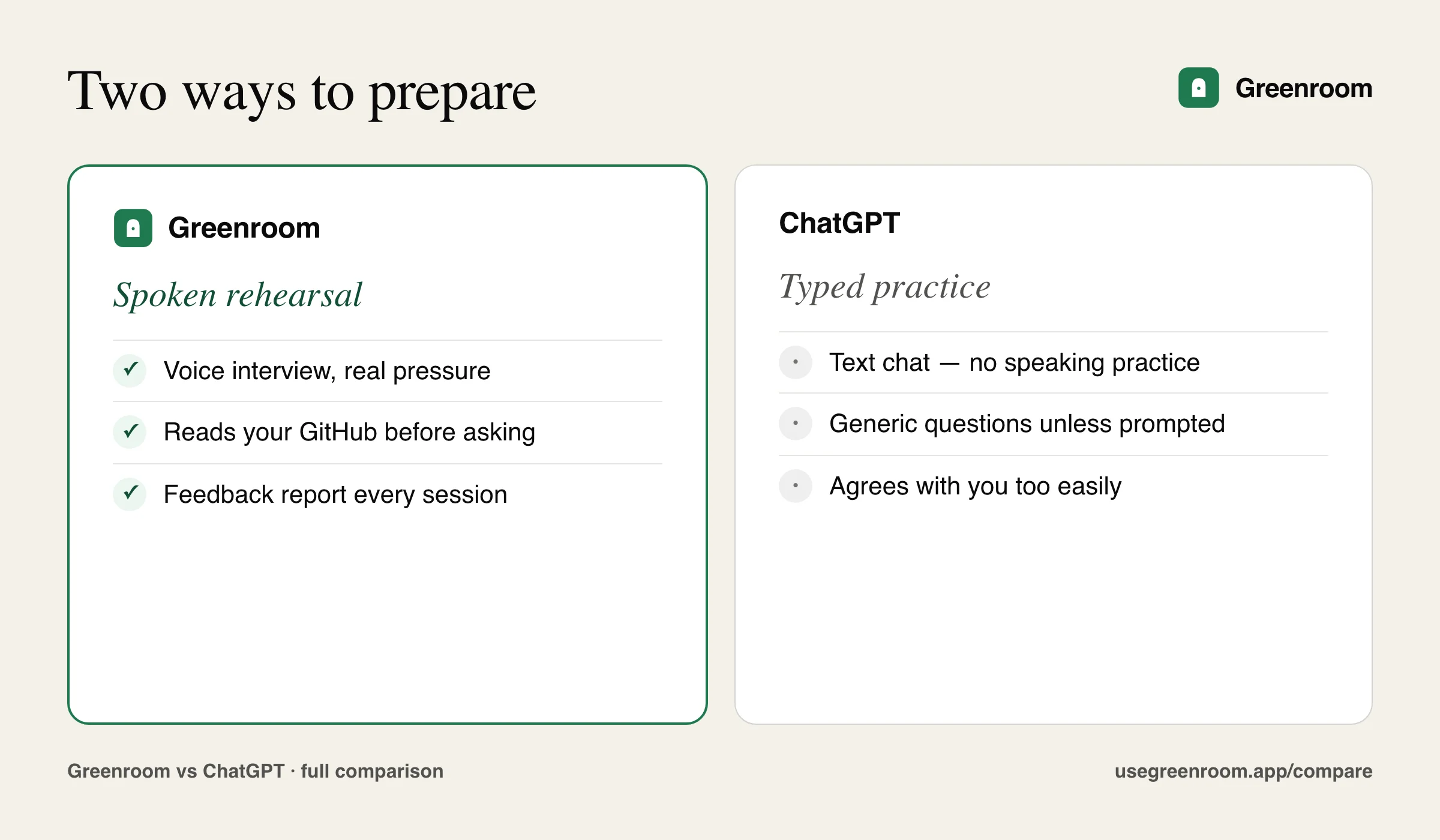
| Voice conversation (speak & listen) | Built around it | Possible in voice mode, but not interview-structured |
| Reads your actual GitHub first | Automatic | Only if you paste code in |
| Applies real interview pressure | Yes — stays in role | Tends to be agreeable |
| Remembers the whole session | Yes — full thread | Drifts in long chats |
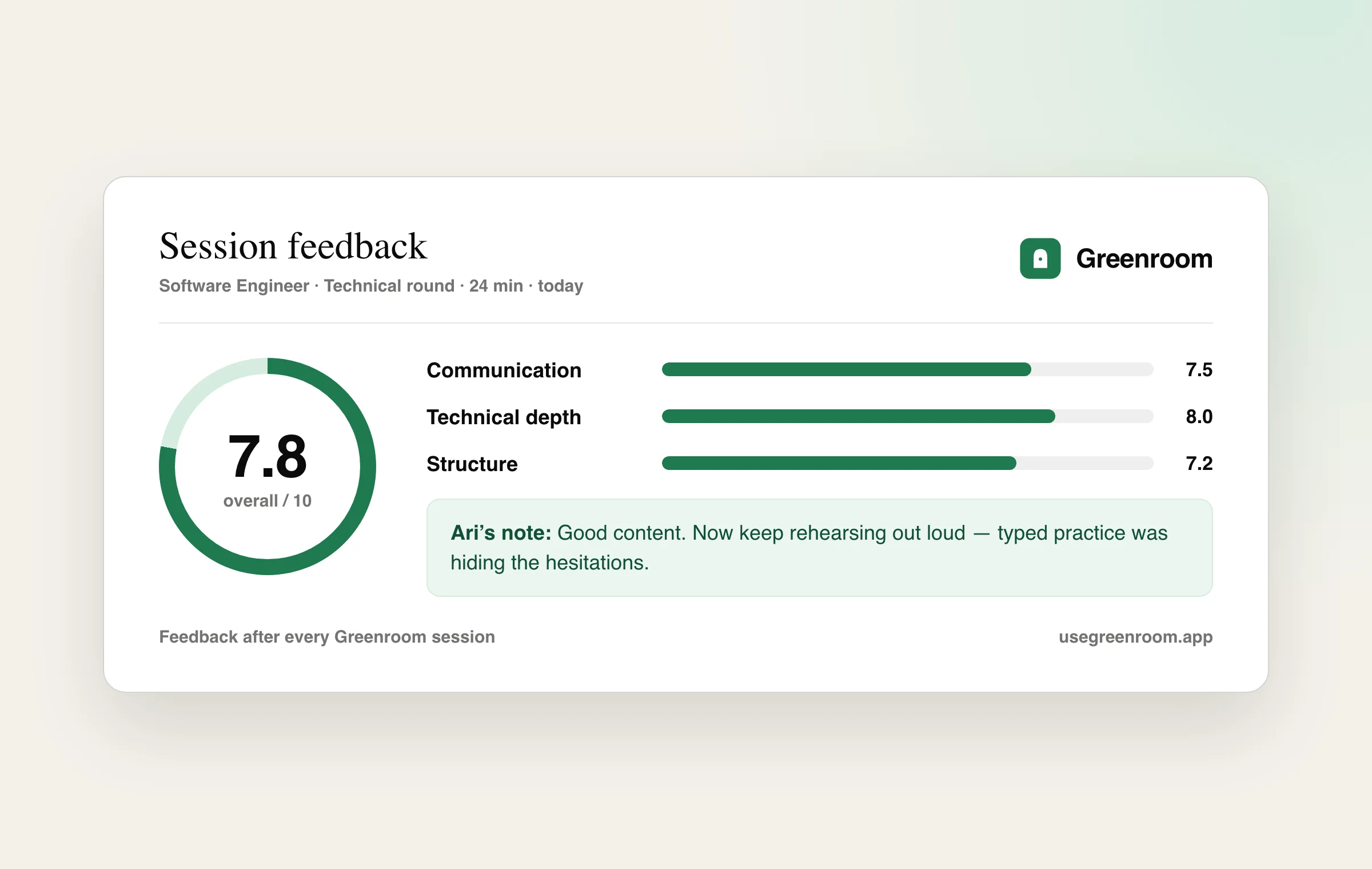
| Structured feedback report | After every session | Only if you ask, ad hoc |
| Adaptive difficulty | Yes | Only if you keep re-prompting |
| Zero setup / prompt engineering | Press start | You write the prompt & context |
| Brainstorming & drafting answers | Not its focus | Excellent |
| General-purpose flexibility | Interview-only | Does everything |
| Price | Free tier; $10–$20/mo | Free tier; paid tier available |
Where ChatGPT wins
For the preparation phase, ChatGPT is hard to beat. Ask it to list the 20 questions a Stripe backend interviewer is likely to ask, and it'll give you a solid set. Paste in a job description and it'll tailor them. Draft an answer and it'll tighten it, suggest a STAR structure, or point out where you're rambling. It's free, instant, and genuinely useful for figuring out what to say. If you only want to organize your thoughts before an interview, you may not need anything else.
Where Greenroom wins
The gap shows up the moment you have to perform. Reading a great answer you drafted in ChatGPT is not the same as producing it out loud, in real time, while someone waits. Greenroom closes that gap:
- It's voice, by design. The freeze, the filler words, the losing-your-thread mid-sentence — those only surface when you speak. Greenroom makes you rehearse the exact muscle the interview tests.
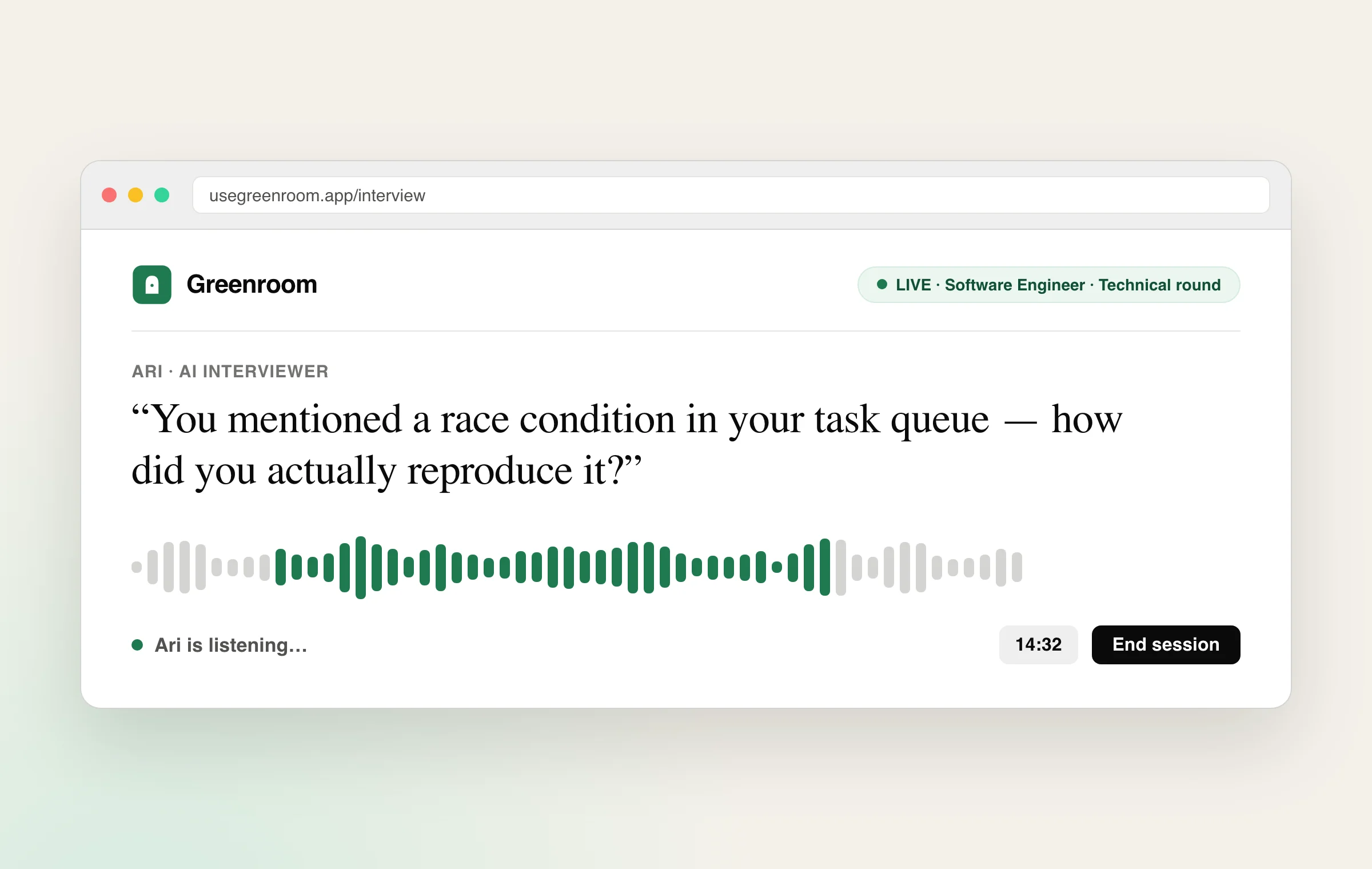
- It knows your code. Greenroom reads your repos and asks "why did you pick that queue?" about a project you actually shipped — not a generic question you could have memorized. ChatGPT can't do this unless you hand-feed it your codebase every time.
- It doesn't flatter you. ChatGPT's instinct is to be encouraging. A real interviewer's isn't. Greenroom holds the role and keeps probing, which is uncomfortable — and that discomfort is the point.
- It remembers and reports. Greenroom keeps the whole session in context and ends with specific feedback on what landed, what was thin, and how you came across. No re-prompting required.
So which should you use?
They're complementary, not rivals. Use ChatGPT during prep week to map likely questions and sharpen your answers. Then use Greenroom to rehearse out loud until nothing feels new on the day — starting with your real projects, by voice, with feedback. Greenroom's free tier costs nothing to try, so you can run your first personalized voice mock today and keep ChatGPT open in the other tab.
Frequently asked questions
Can ChatGPT do a mock interview?
Yes — prompt it to act as an interviewer and it will. The catch is it's text by default, doesn't know your real projects, and tends to agree with you rather than apply pressure. Greenroom runs the session by voice, reads your GitHub first, and gives structured feedback.
Can ChatGPT do a voice mock interview?
Its voice mode can hold a spoken conversation, but it isn't structured as an interview — no pre-read of your code, no rubric, no debrief afterward. Greenroom is built around that exact flow.
Is Greenroom just ChatGPT with a wrapper?
No. Greenroom is purpose-built: GitHub-personalized question generation, a voice interviewer that stays in role, session memory, and a structured feedback report. The value is the interview-specific system around the model, not raw chat.
Should I pay for Greenroom if I already pay for ChatGPT?
If you only want to draft answers, ChatGPT alone is fine. If you want to rehearse speaking them under pressure, on questions about your own work, Greenroom's free tier costs nothing to try first.
Related: Greenroom vs Final Round AI · Greenroom vs Google Interview Warmup · All comparisons · Best free AI mock interview tools