---
title: Nginx Interview Questions and Answers (2026)
description: Real Nginx interview questions — the event-driven model, reverse proxy vs load balancer, location matching, 502 debugging and TLS — with config and a prep plan.
url: https://usegreenroom.app/blog/nginx-interview-questions
last_updated: 2026-07-31
---
← Back to blog
DevOps
# Nginx interview questions and answers
July 31, 2026 · 12 min read

"Users are getting 502s," the interviewer said. "Nginx logs show it, the app logs show nothing. Where do you look?" The candidate said he'd restart Nginx. The interviewer waited. The point of a 502 is that Nginx is fine — it is telling you, quite precisely, that the thing behind it did not answer.
Nginx interview questions reward people who read error codes as evidence rather than as noise. Nginx sits in front of nearly every production stack, so DevOps, SRE and backend loops all ask about it. This guide covers the architecture, reverse proxying and load balancing, location matching, the 502 family, and TLS.
## What Nginx interviews actually test
Nginx interview questions cluster into five bands:
- Architecture — why the event-driven model beats thread-per-connection, master and worker processes.
- Proxying and load balancing — upstreams, algorithms, health checks, headers.
- Request matching — location precedence, root vs alias, rewrites.
- Debugging — the 4xx/5xx family, especially 502, 504 and 413.
- TLS, caching and hardening — termination, HTTP/2, rate limiting, headers.
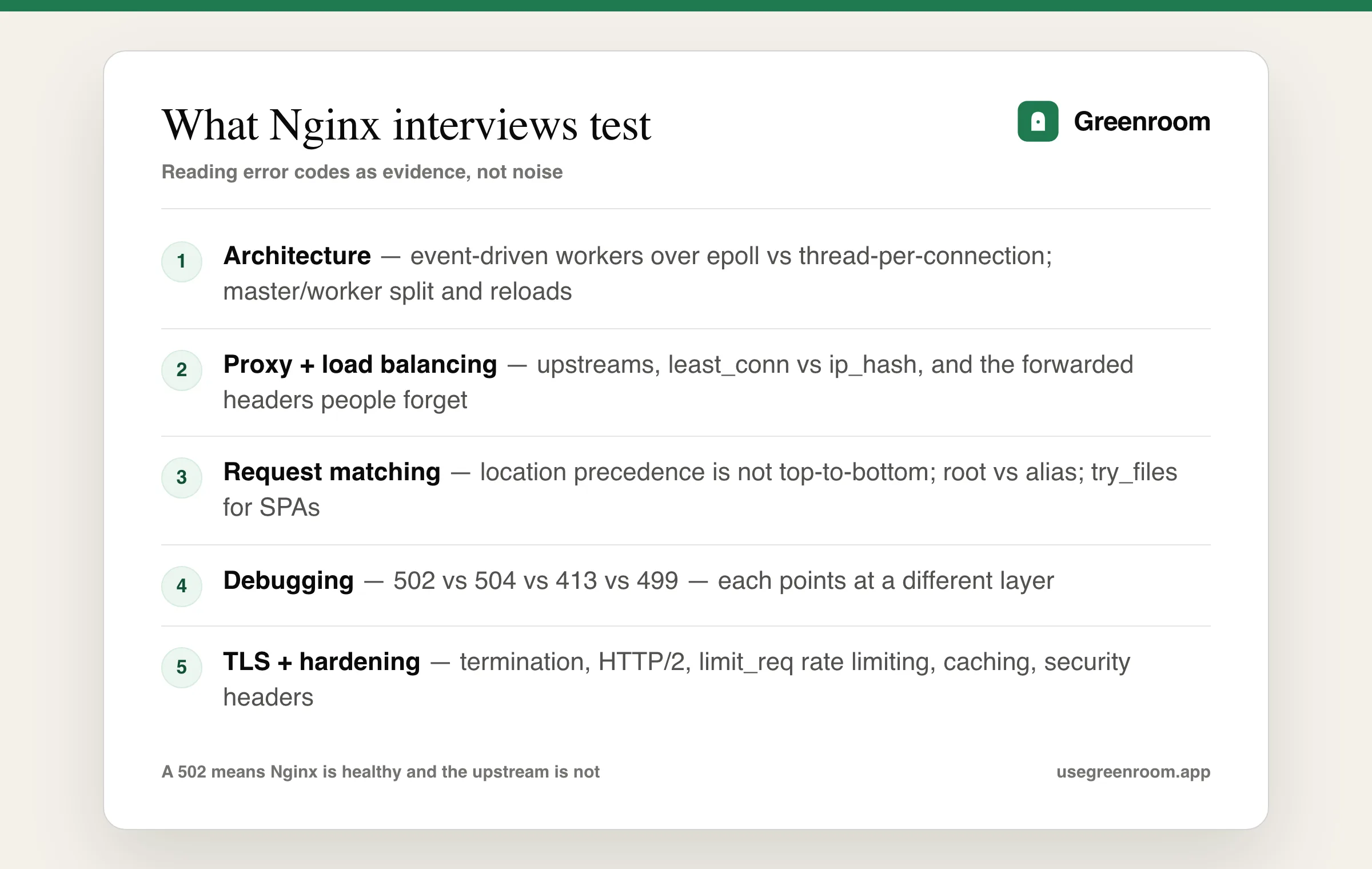
The five bands of Nginx interview questions, with error debugging deciding most SRE-leaning rounds.
## Architecture: why Nginx scales
The classic opener is "why is Nginx faster than Apache?", and the honest answer is about the concurrency model rather than raw speed. Apache's traditional prefork model dedicates a process or thread per connection, so ten thousand idle keep-alive connections cost ten thousand threads' worth of memory and scheduling. Nginx uses a small number of single-threaded worker processes, each running an event loop over epoll or kqueue, so one worker handles thousands of concurrent connections because most are idle at any instant.
Follow-ups worth having ready: the master process reads config, binds privileged ports and manages workers, while workers handle traffic as an unprivileged user — which is why a config reload can happen without dropping connections (nginx -s reload starts new workers and lets old ones drain). Set worker_processes auto to match CPU cores. And be fair: Apache with the event MPM closed much of the gap, so the real reasons teams pick Nginx today are configuration style, memory footprint and its strength as a reverse proxy.
## Reverse proxy, load balancer, and the headers people forget
Expect "what is the difference between a reverse proxy and a load balancer?" A reverse proxy sits in front of servers and forwards client requests to them, adding TLS termination, caching, compression and buffering. A load balancer distributes traffic across multiple backends for capacity and availability. Nginx does both, and load balancing is really a feature of its proxying — a reverse proxy with one backend is not a load balancer.
```
upstream app_backend {
least_conn; # better than round robin for uneven request costs
server 10.0.1.11:8000 max_fails=3 fail_timeout=30s;
server 10.0.1.12:8000 max_fails=3 fail_timeout=30s;
server 10.0.1.13:8000 backup;
keepalive 32; # reuse upstream connections
}
server {
listen 443 ssl http2;
server_name api.example.com;
location / {
proxy_pass http://app_backend;
# Without these the app sees Nginx's IP and thinks every request is HTTP
proxy_set_header Host $host;
proxy_set_header X-Real-IP $remote_addr;
proxy_set_header X-Forwarded-For $proxy_add_x_forwarded_for;
proxy_set_header X-Forwarded-Proto $scheme;
proxy_connect_timeout 5s;
proxy_read_timeout 60s;
}
}
```
The proxy_set_header block is the most-asked practical detail. Without it your application logs every request as coming from the proxy's IP, rate limiting by client IP breaks, and frameworks generate http:// redirect URLs on an HTTPS site — a bug that appears as an infinite redirect loop and is a favourite scenario question.
Know the balancing algorithms: round robin (default), least_conn (best when request durations vary), ip_hash (sticky sessions by client IP — and be ready to say that sticky sessions are a workaround for stateful apps, and externalising session state to Redis is the better fix), and weighted variants.
## Location matching, root vs alias
A reliable trick question, because the precedence is not top-to-bottom. Nginx evaluates location blocks in this order: exact match = wins immediately; then the longest prefix match is remembered; if that prefix used ^~, it wins; otherwise regex locations (~ case-sensitive, ~* case-insensitive) are tried in file order and the first match wins; if no regex matches, the remembered prefix match is used.
Then root vs alias, which trips up nearly everyone. With root /var/www inside location /static/, a request for /static/a.png serves /var/www/static/a.png — the location path is appended. With alias /var/www/, the location path is replaced, so the same request serves /var/www/a.png. Interviewers ask because the difference silently produces 404s.
Also know try_files $uri $uri/ /index.html — the single-page-app fallback that makes client-side routing work on refresh, and one of the most common real configurations you will be asked to write.
## Debugging: 502, 504, 413 and friends
Back to the intro. The error-code band is where SRE-leaning interviews concentrate, and each code points somewhere specific:
- 502 Bad Gateway — Nginx reached the upstream but got an invalid or no response. Usually the backend is down, crashed, listening on a different port, or bound to 127.0.0.1 inside a container while Nginx dials its container IP. Check the backend first, not Nginx.
- 504 Gateway Timeout — the upstream accepted the connection but did not respond within proxy_read_timeout. This is a slow application, not a broken one. Raising the timeout hides it; find the slow query.
- 413 Request Entity Too Large — client_max_body_size (default 1MB) is smaller than the upload. The classic "file uploads fail over about a megabyte" scenario.
- 499 — an Nginx-specific code meaning the client closed the connection before a response. Usually the user gave up on something slow, or an aggressive client timeout.
- 403 — commonly filesystem permissions or SELinux, not the config.
- Connection refused in the error log — the upstream is not listening at all.
The process answer matters as much as the codes: check /var/log/nginx/error.log first (it names the upstream and the reason), then verify the backend is listening with curl from the Nginx host, then nginx -t to validate config before any reload. Candidates who say "I'd restart it" lose the round; candidates who say "a 502 means Nginx is working and the backend isn't" have obviously been on call. Our SRE interview questions guide covers the wider incident material.
## TLS, caching, rate limiting and hardening
The production band. Know TLS termination — Nginx decrypts and forwards plaintext to backends inside a trusted network, which centralises certificate management and offloads crypto. Know that HTTP/2 requires TLS in practice, and what it buys (multiplexing over one connection, so domain sharding and file concatenation became counterproductive).
Know rate limiting with limit_req_zone and the leaky-bucket model, including the burst and nodelay parameters — a common practical question is "how would you stop one client hammering the login endpoint?" Know caching with proxy_cache, and gzip. And know the security headers you would set: HSTS, X-Content-Type-Options, a CSP, plus server_tokens off to stop advertising the version.
For modern deployments, be ready for "why Nginx when Kubernetes has ingress?" — the honest answer is that the most common ingress controller is Nginx, so the concepts transfer directly. Our Kubernetes interview questions guide covers that layer.
## The docs, a real server, ChatGPT — where each fits
- The official Nginx documentation and admin guide — dry but authoritative, and the source of the location-precedence rules people get wrong.
- DigitalOcean's Nginx tutorials — the best practical walkthroughs for config patterns.
- Mozilla's SSL Configuration Generator — produces sane TLS config and is worth naming in an interview.
- Breaking a real server — highest yield. Run Nginx in front of an app in Docker, stop the app and read the 502 in the error log, set client_max_body_size to 1k and watch uploads 413. You will never forget which code means what.
- GeeksforGeeks-style dumps — fine for definitions, useless for the debugging band that decides the round.
- ChatGPT — good for generating config and explaining directives. It will not tell you the app logs are empty and wait for you to work out what that implies.
- Greenroom — the spoken layer. Ari, the AI interviewer, runs incident-style rounds out loud and pushes when your answer is an action rather than a diagnosis. Fair tradeoff: Ari will not read your access logs.
> The core truth: Nginx interviews are diagnostic interviews. Every error code is evidence about which layer failed, and the candidate who says "a 502 means Nginx is healthy and the upstream isn't" has already answered better than one who reaches for a restart.
## How to prepare for an Nginx interview
- Week 1: architecture and config basics. Explain the event-driven model aloud, and write a reverse-proxy server block from memory including the forwarded headers.
- Week 2: matching rules. Drill location precedence and root vs alias until they are automatic, and write the SPA try_files fallback.
- Week 3: break things deliberately — produce a 502, a 504, a 413 and a redirect loop, and practise diagnosing each from symptoms alone.
- Final week: TLS, rate limiting and caching config, plus two full spoken mocks with incident-style follow-ups.
Building the rest of the stack? The Docker and Kubernetes guides cover the container layer, the FastAPI guide covers a typical upstream, the Prometheus guide covers monitoring it, and the DevOps engineer interview questions guide covers the wider loop.
## Frequently asked questions
### What are the most common Nginx interview questions?
The most common questions cover why the event-driven worker model scales better than thread-per-connection, the difference between a reverse proxy and a load balancer, which proxy headers you must set and what breaks without them, how location block precedence actually works, the difference between root and alias, and what specific error codes such as 502, 504 and 413 tell you about which layer failed.
### What causes a 502 Bad Gateway in Nginx and how do you debug it?
A 502 means Nginx successfully ran but received an invalid response or no response from the upstream, so the problem is almost always the backend rather than Nginx. Common causes are the application being down or crashed, listening on a different port, or bound to 127.0.0.1 inside a container while Nginx dials the container IP. Debug by reading the Nginx error log, which names the upstream and reason, then curl the backend directly from the Nginx host.
### What is the difference between root and alias in Nginx?
With root, the location path is appended to the root path, so root /var/www inside location /static/ serves /static/a.png from /var/www/static/a.png. With alias, the location path is replaced, so alias /var/www/ inside the same location serves that request from /var/www/a.png. Confusing the two silently produces 404s, which is why it is a common interview question.
### How does location block precedence work in Nginx?
Nginx does not simply match top to bottom. An exact match using the equals modifier wins immediately. Otherwise the longest matching prefix is remembered, and if that prefix used the caret-tilde modifier it wins outright. If not, regex locations are tried in the order they appear in the file and the first match wins. If no regex matches, the remembered longest prefix match is used.
### Which proxy headers should you set in Nginx and why?
Set Host, X-Real-IP, X-Forwarded-For and X-Forwarded-Proto. Without them the application sees the proxy's IP as the client address, so logging and IP-based rate limiting break, and the app believes every request arrived over plain HTTP. That last one causes frameworks to generate http:// redirect URLs on an HTTPS site, which presents as an infinite redirect loop and is a common scenario question.
### What is the difference between 502 and 504 in Nginx?
A 502 Bad Gateway means Nginx could not get a valid response from the upstream at all — typically the backend is down, refused the connection, or returned garbage. A 504 Gateway Timeout means the upstream accepted the connection but did not respond within proxy_read_timeout, indicating a slow application rather than a broken one. Raising the timeout on a 504 hides the symptom; the real fix is finding the slow operation.
Nginx rounds reward reading the error code as evidence, out loud. Greenroom runs mock DevOps and SRE interviews with Ari — incident follow-ups included — and scores structure, clarity and depth. Free to start. Curious how it works? See how AI mock interviews work.